
 notePad++++.appMac App StorenotePad++++Offline Text Editor for macOS
Edit local files in tabs, use regular-expression find and replace, edit columns, and run restricted local scripts with timeout and rollback.
At a glance
- Platform
- macOS
- Category
- Productivity
- Version
- 22
- Updated
- 2026-07-05
- Download
- Mac App Store ↗
- Privacy Policy
- Privacy Policy
Screenshots
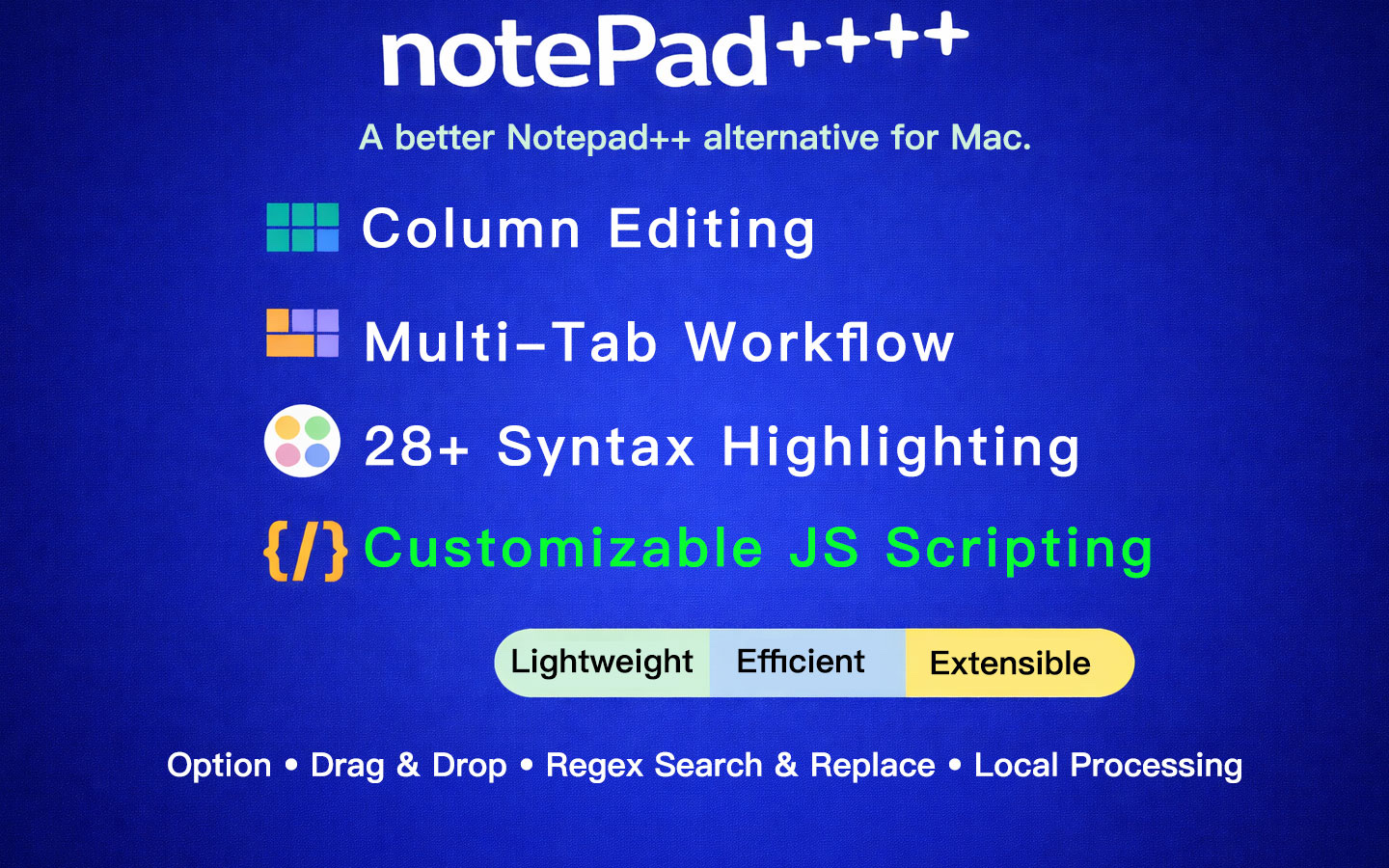
Key Features
Multi-tab editing with unsaved-change indicators
Open, Save, and Save As for local files
Regex find and replace with case and whole-word options
Column editing mode powered by Monaco
Built-in and custom local scripts for text transformation
Script sandbox with timeout and rollback on failure
Offline-first workflow with no account required
Articles features, comparisons and common questions
The Case for a Fast Plain-Text Editor on macOSBatch Text Processing on Mac: Clean Lists, Logs, Markdown, and Local Text Files SafelyNotepad for Mac: A Native macOS Text Editor for Quick Notes, Plain Text, and CleanupPlain Text Editor for Mac: Local Files, Markdown, Regex Cleanup, and Batch Text ProcessingRegex Find and Replace on Mac: Clean URLs, Dates, Logs, Lists, and Markdown FasterText Editor for Mac: A Practical Native Editor for Notes, Logs, Markdown, and Text CleanupBest Lightweight Text Editors for Mac in 2026: Choosing Between notePad++++, CotEditor, BBEdit, Sublime Text, VS Code, and TextEditHow I Built a Notepad++-Style Editor for macOSWhy macOS Still Needs a Notepad++ AlternativeColumn Mode Editor for Mac: Edit Aligned Text, Lists, Logs, and CSV-Like Data FasterBest Notepad++ Alternatives for Mac: When to Use notePad++++, BBEdit, CotEditor, Sublime Text, or VS CodeNotepad++ for Mac Alternative: A Native macOS Text Editor for Everyday Text Work