
 Ctrl+Alt+Delete.appMac App StoreCtrl+Alt+DeleteWindows Shortcuts on Mac
Use familiar Windows-style shortcuts to open Activity Monitor, Finder, System Settings, Terminal, and other common Mac actions from the menu bar.
한눈에 보기
- 플랫폼
- macOS
- 카테고리
- Productivity
- 버전
- 3
- 업데이트
- 2026-02-27
- 다운로드
- Mac App Store ↗
- 개인정보 처리방침
- 개인정보 처리방침
스크린샷
주요 기능
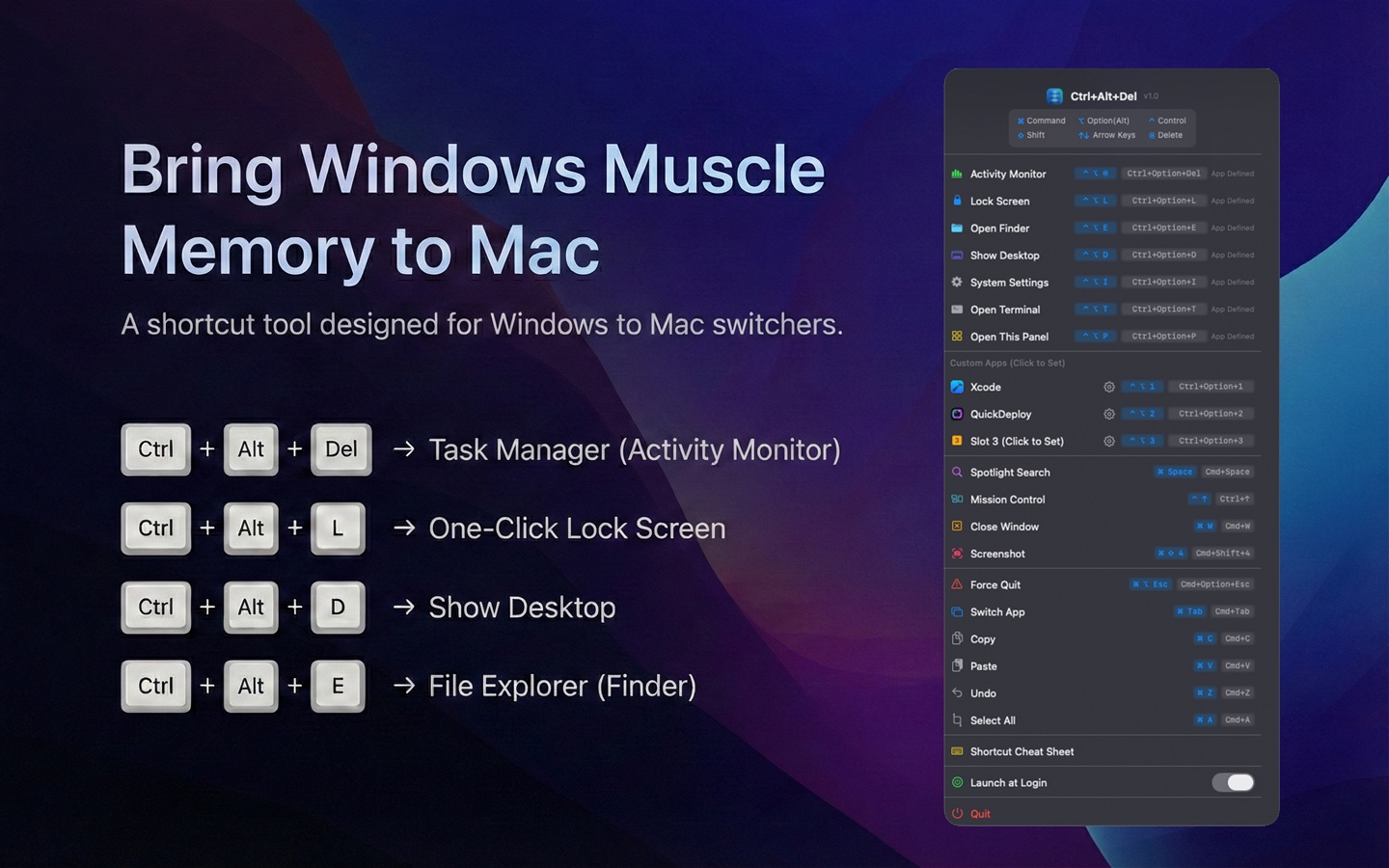
Ctrl+Option+Delete opens Activity Monitor
Ctrl+Shift+Escape opens Activity Monitor for laptop keyboards
Quick actions for Finder, System Settings, Terminal, and Show Desktop
Menu bar panel for fast access to common system actions
Built-in Windows-to-Mac shortcut cheat sheet
Native Swift implementation with dark and light mode support
글 기능, 비교, 자주 묻는 질문
아직 등록된 글이 없습니다.