
 Ctrl+Alt+Delete.appMac App StoreCtrl+Alt+DeleteWindows Shortcuts on Mac
Use familiar Windows-style shortcuts to open Activity Monitor, Finder, System Settings, Terminal, and other common Mac actions from the menu bar.
At a glance
- Platform
- macOS
- Category
- Productivity
- Version
- 3
- Updated
- 2026-02-27
- Download
- Mac App Store ↗
- Privacy Policy
- Privacy Policy
Screenshots
Key Features
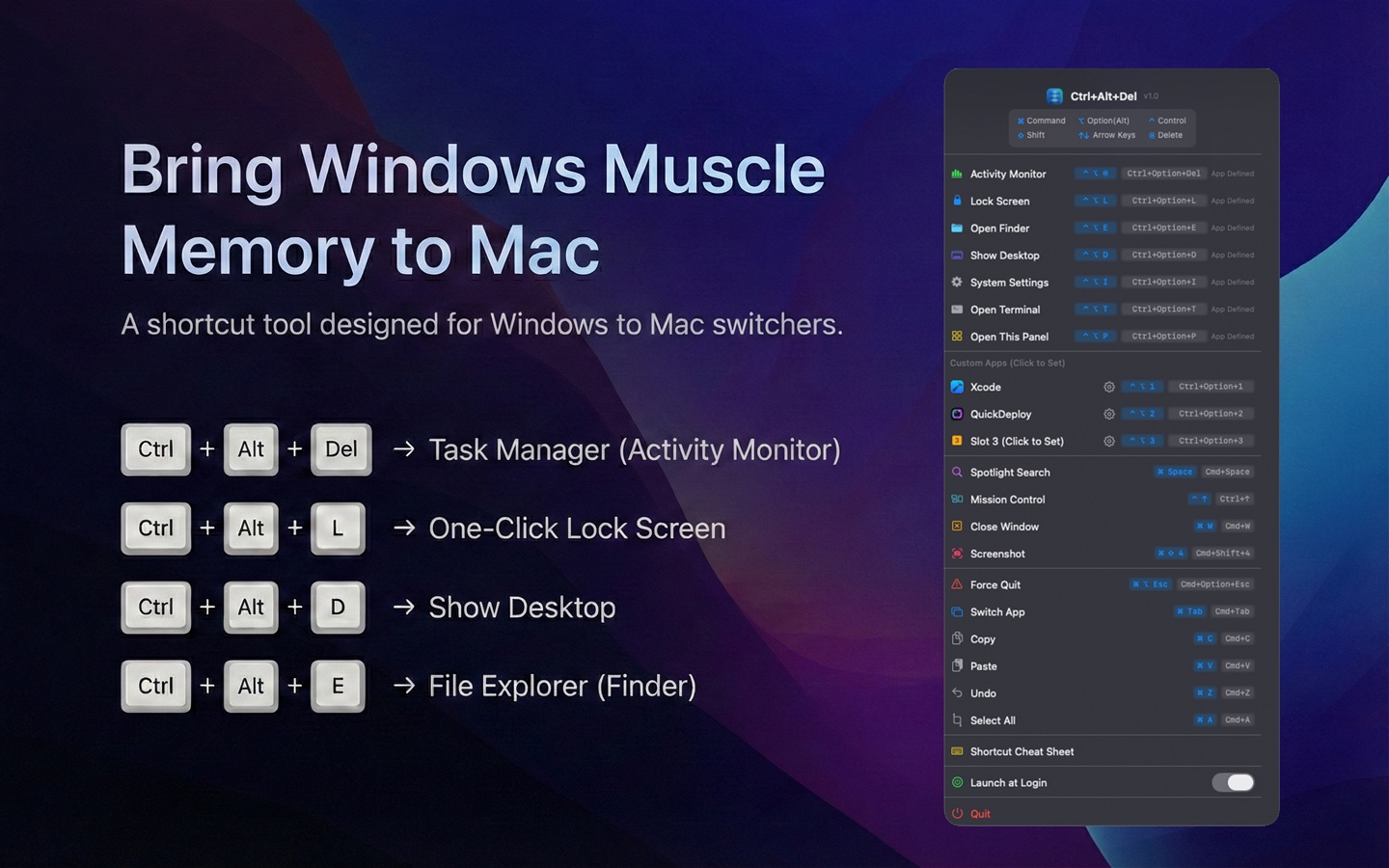
Ctrl+Option+Delete opens Activity Monitor
Ctrl+Shift+Escape opens Activity Monitor for laptop keyboards
Quick actions for Finder, System Settings, Terminal, and Show Desktop
Menu bar panel for fast access to common system actions
Built-in Windows-to-Mac shortcut cheat sheet
Native Swift implementation with dark and light mode support
Articles features, comparisons and common questions
No articles are available yet.